


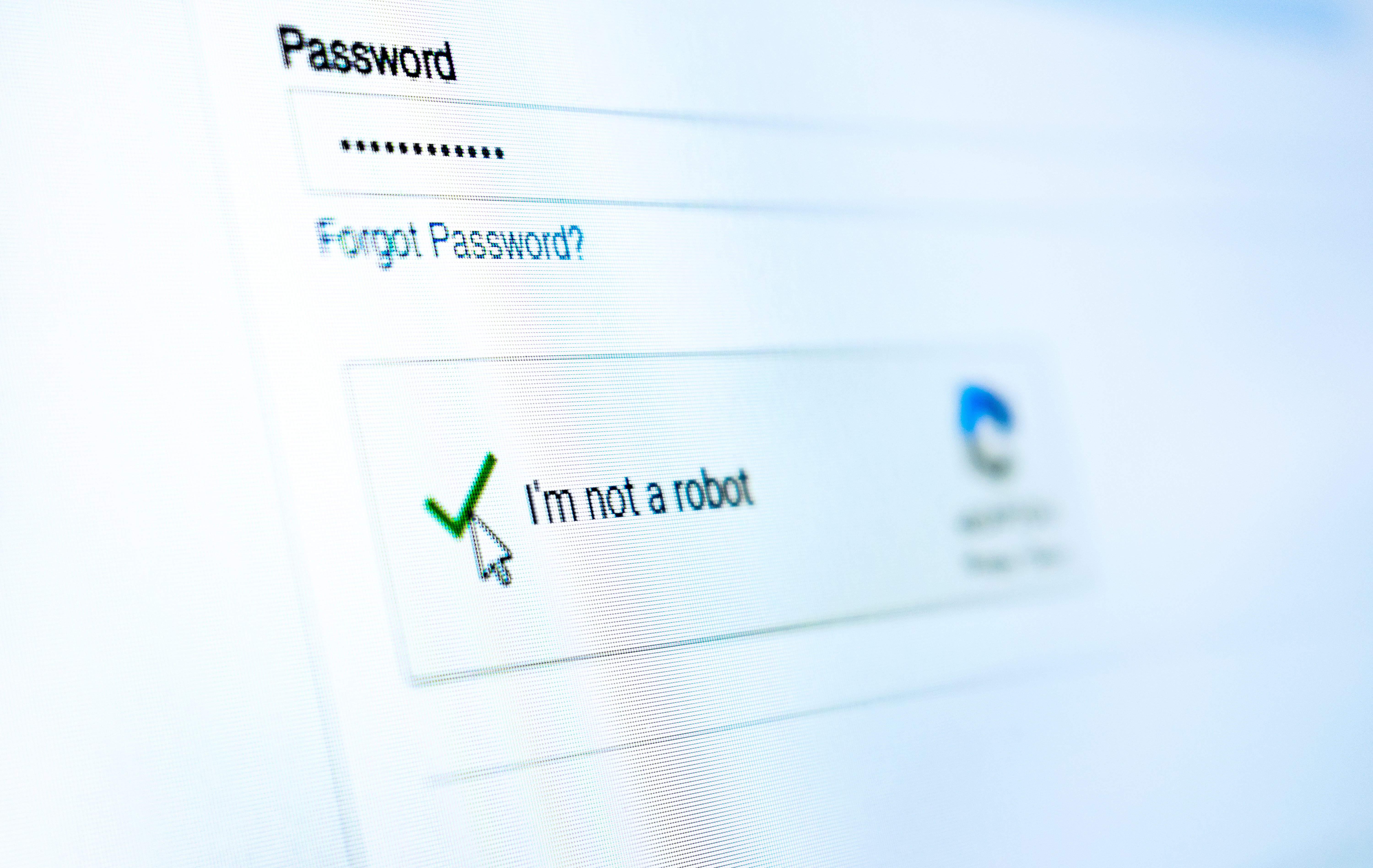
Human verification systems on websites have long frustrated digital consumers, but now they also pose a serious security risk. A new wave of fake CAPTCHA schemes is being weaponized by threat actors to trick users into compromising their own devices and potentially losing their life savings.
A widespread malvertising campaign known as ClickFix uses fraudulent CAPTCHA pages to socially engineer victims into executing malicious scripts themselves. Once triggered, these scripts grant attackers remote access, enabling credential theft, financial fraud, and other high impact attacks.
In March 2025 alone, the number of ad tags delivering ClickFix backdoor attacks more than tripled compared to February, and security defenses blocked over 600,000 attempted attacks across hundreds of websites worldwide.
Multiple Paths to Compromise
ClickFix operators use several techniques to drive users to fake verification pages, including:
- Redirects from seemingly benign ad creatives
- Compromised brand and media websites
- Typosquatted domains designed to mimic legitimate sites
After a user clicks, the malicious code fingerprints their browser and operating system, then routes them to a payload domain tailored to that environment. This targeting significantly increases the chances of a successful compromise.
The victim is then shown what appears to be a legitimate CAPTCHA verification page. However, instead of selecting images or solving a puzzle, users are instructed to follow a precise sequence of steps:
- Press Windows + R to open the Run dialog
- Press Ctrl + V to paste a command that was silently copied to their clipboard
- Press Enter to execute the command
Framed as a routine security check, this workflow feels familiar and trustworthy, making it highly effective against less technical users, who may comply without questioning the legitimacy of the request.
Social Engineering at Its Most Dangerous
What the user doesn’t see is that the remote code execution has already started. The pasted command silently fetches and runs malicious PowerShell instructions, effectively giving the attacker control of the device. From there, threat actors can deploy additional payloads such as LummaStealer,a highly evasive infostealer designed to harvest credentials, financial information, and other sensitive data at scale.
Unlike more traditional attacks that depend on malicious attachments, macro-enabled documents, or disguised executables, ClickFix is almost entirely social engineering. The victim initiates the attack themselves, unintentionally bypassing many built-in security controls and making detection much harder. ClickFix underscores a fast-growing trend in malvertising: persuading users to manually execute malicious commands. This approach reduces the attackers’ reliance on complex exploits while significantly increasing the likelihood of a successful compromise.
How to Defend Against ClickFix
With ClickFix spreading rapidly and with no signs of slowing down, it is essential to stay informed, cautious, and protected.
-
- Slow down and verify
Do not rush to follow instructions on a webpage or in a prompt, especially if you are asked to run commands on your device or copy and paste code. Attackers rely on urgency to override your judgment, so be especially wary of pages that insist on immediate action. Many sophisticated ClickFix pages use countdown timers, activity indicators, or other pressure tactics designed to make you act quickly. - Avoid running commands or scripts from untrusted sources
Never execute code or commands copied from websites, emails, or messages unless you are confident in the source and clearly understand what the command will do. Independently verify any technical instructions. If a site tells you to run a command or perform a system-level action, confirm it through official documentation or contact the organization’s support team before proceeding. - Limit the use of copy-paste for commands
When possible, manually typing commands instead of copy-pasting can help reduce the risk of inadvertently including hidden malicious content. - Secure your devices
Make sure you are using up-to-date, real-time anti-malware protection with web protection enabled across all of your devices.
- Slow down and verify
Threats continue to change, and attackers are constantly looking for new ways to gain access to your information and accounts. Ongoing awareness is one of your best defenses, so continue to seek out reputable security resources and updates to help you stay vigilant.
For more information about strengthening your cybersecurity and protecting your financial accounts, visit our cybersecurity resources page.